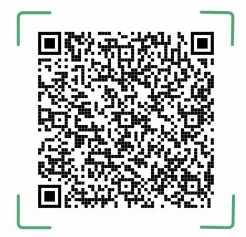
Pay conveniently using any of the supported Bank Or MFS apps below
Open Bank Or MFS app and log in.:
1️⃣ On the dashboard 2️⃣ Select QR Pay 3️⃣ Point your camera at the QR code. 4️⃣ The merchant details will appear. 5️⃣ Enter payment amount. 6️⃣ Confirm by entering your PIN. 7️⃣ Done ✅ (receipt shown in app + SMS).
Send a screenshot of the confirmation here for verification ✅